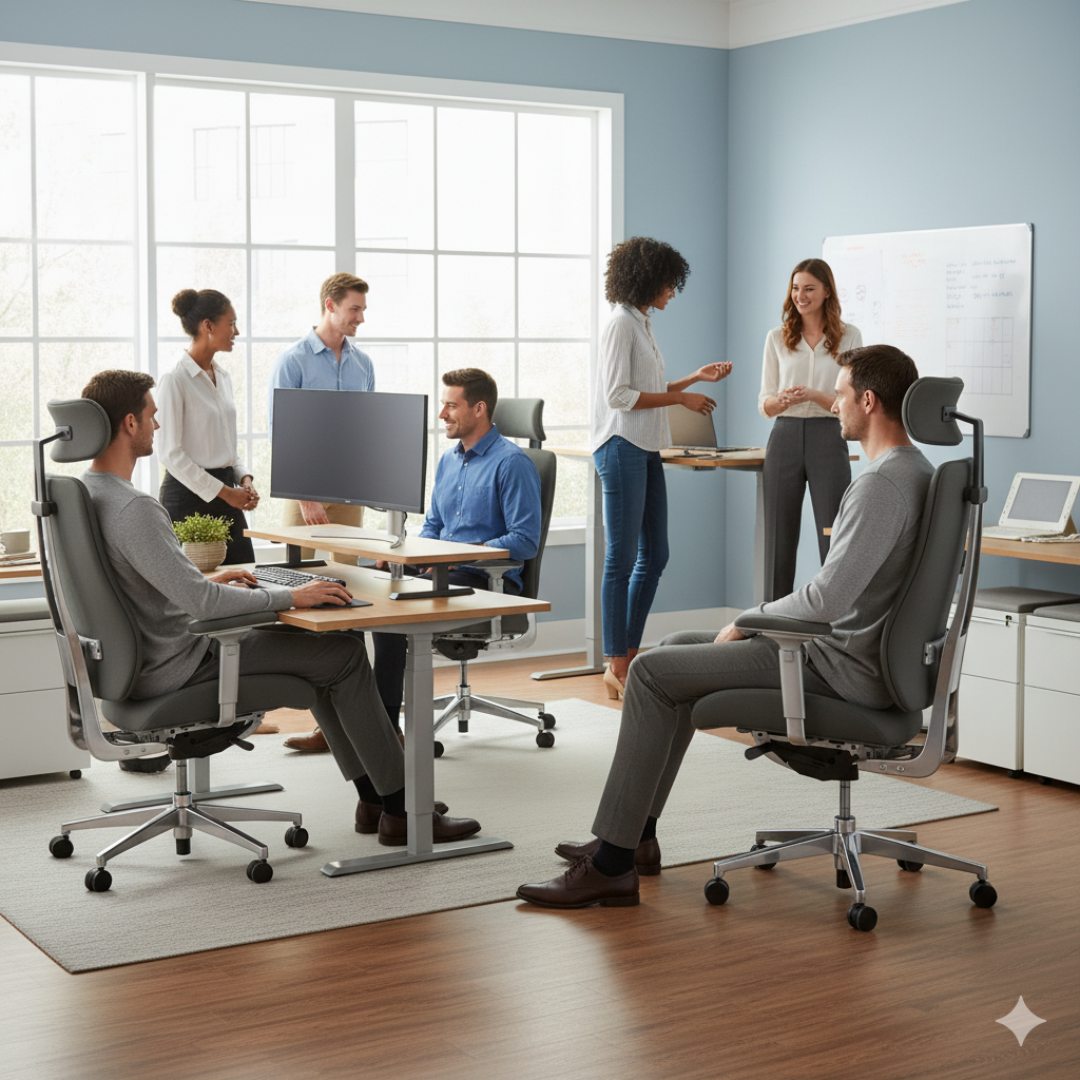
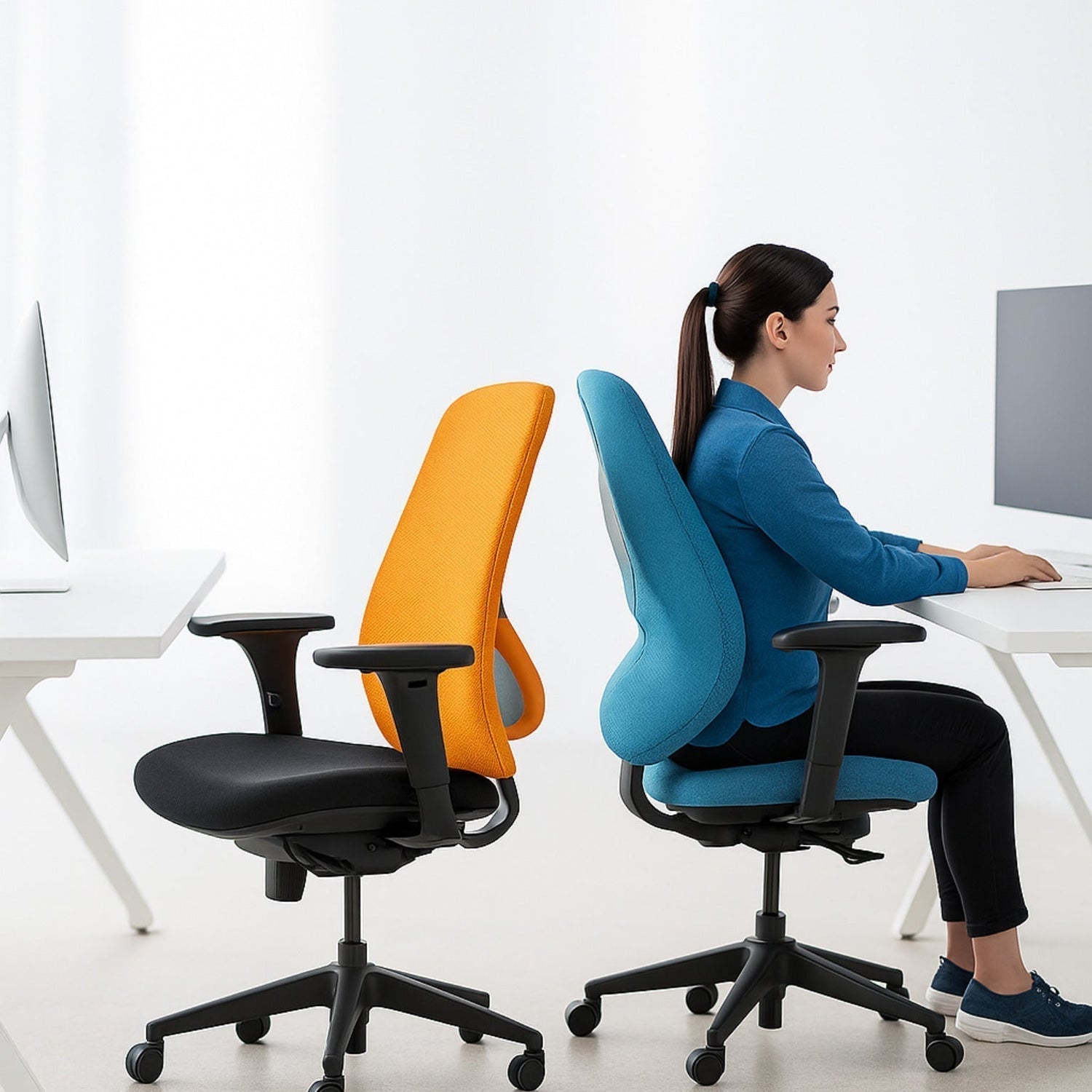
If your back becomes uncomfortable at your desk, the chair and workstation are reasonable places to look. A seat that is too deep, support that misses your lower back, or a keyboard that pulls you forward can make the working position harder to maintain comfortably.
Back pain has many possible causes, however. A chair cannot diagnose the problem or promise to resolve it. The useful goal is to remove obvious fit problems and create more comfortable options for work.
When the chair and desk do not work together
A chair may feel fine away from the desk but less comfortable during typing. High armrests can stop it moving close enough. A deep desk or distant mouse can lead to reaching. If you keep leaving the backrest to work, the surrounding setup deserves attention.
Height is another relationship between the body and work surface. Lowering the seat can support the feet but leave the keyboard too high. Raising it to reach the desk can leave the feet hanging. A suitable footrest or a change in work-surface height may solve that mismatch more effectively than one chair adjustment alone.
Four fit questions that make the problem clearer
- Can you use the backrest? A seat that extends too far beneath the knees can push you forward.
- Are the feet supported? The floor or a stable footrest should provide support at a usable working height.
- Does the back contour land comfortably? Back height and lumbar prominence need to suit the torso.
- Can you reach the work easily? The chair, arms, keyboard, and mouse need to allow a relaxed working position.
These are fit observations rather than a medical test. A short trial with a different setting may reveal an obvious mismatch, but it cannot establish the cause of pain.
Which adjustments are useful?
Seat height
The pneumatic cylinder changes working height. The useful position supports the feet and allows a comfortable relationship with the desk. Raising the chair as high as possible is not the objective.
Seat depth
A slider changes the distance between the front seat edge and backrest. It can help you use the back support while leaving room behind the knees. A seat that is too short has a different limitation: it may provide less thigh support than you prefer.
Back height and lumbar support
Back-height adjustment moves the backrest's contour. An adjustable lumbar feature can change how pronounced the lower-back contact feels. Their value comes from fitting the support to you, rather than choosing the strongest possible setting.
Seat and back angles
Angle controls offer different ways to sit for different tasks. There is no single forward-tilt angle that suits everyone or treats every type of back pain. A pronounced tilt that makes you slide or brace yourself is not a useful default.
Movement belongs in the working day
A comfortable chair makes sitting easier; it does not make one position ideal for an entire shift. Short changes of task and position offer a way to vary the day. A phone call, a walk to get water, or standing for a suitable task can provide an opportunity to move.
Comfort also changes with the task. Reading while reclined and typing close to the desk can call for different support. Adjustable seating provides choices, rather than one permanent posture to hold.
Three OMC examples with different kinds of support
The following chairs illustrate available features. They are not a ranking of treatments for back pain.
DB53: a contoured upholstered back

The DB53 combines a distinctive pear-shaped back with seat-depth adjustment, back-height adjustment, and independent seat and back positioning. Its DCS back feature refers to Double Comfort Seating. The value for a buyer is whether that shape and the chair's adjustment range feel comfortable.
YS89: a tall mesh back with a headrest

The YS89 offers a high mesh back, adjustable headrest, seat slider, and a full multi-function control. It is a different support style from a padded back. Headrest position and the minimum seat dimensions still need to suit the user.
PT78: adjustable lumbar support and an upholstered seat

The PT78 combines a wider seat with lumbar adjustment and a standard full multi-function mechanism. It offers several ways to position support, although a smaller user may need a shorter seat instead.
When discomfort deserves professional attention
Persistent or worsening pain, or pain that interferes with daily activities, deserves advice from a qualified healthcare professional. Seek urgent medical care for back pain with new bladder or bowel changes, loss of sensation around the groin, or marked weakness or numbness in both legs. Do not wait for a furniture change to address those symptoms.
For general medical information, see the NHS guide to back pain. For workstation design, OSHA's chair guidance explains support and adjustability in more detail.
A better starting point for chair shopping
Describe the limitation you are experiencing: the seat is too deep, the back contour lands too high, or the arms prevent desk access. Those details are more useful than asking for a chair that cures back pain. They help OMC compare models around a practical fit requirement.